
1. Set up new user access - if replacing another user, deactivate old user as well.
- How to set up a new user?
- If this user is on the community level, update the community overview page.
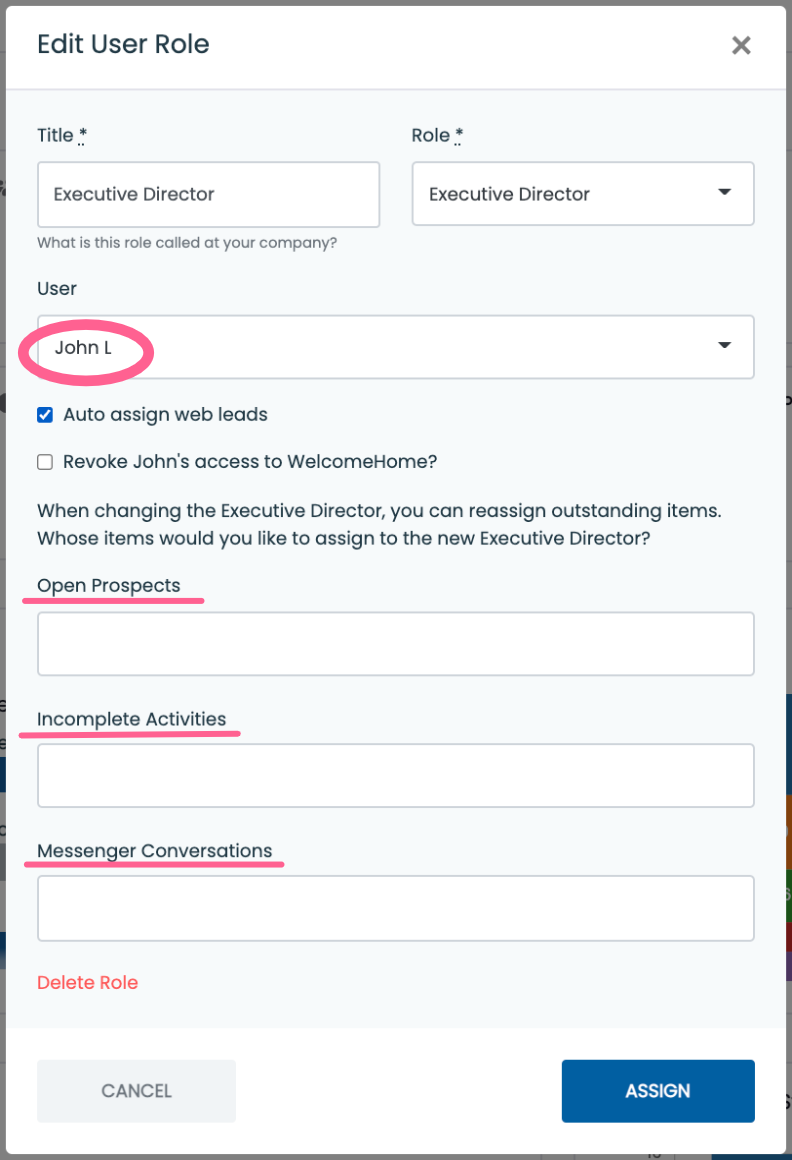
- Navigate to community Overview
- Click pencil icon next to user you are replacing (see screenshot below
- Select new user in the dropdown - reassign leads and activities to new user if appropriate.

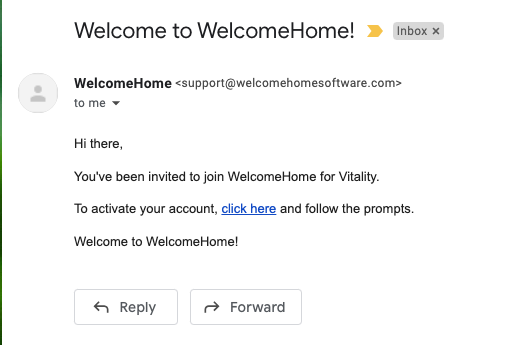
2. Once new user access has been created the user will get an email to login to WelcomeHome. (the subject line is "Welcome to WelcomeHome").
3. Send the new user the following links
- Setting up your profile and integrating your email
- New User Training
- Recorded Option (can watch anytime)
- Live Training (Wednesday’s at 2pm EST)
4. Following training the new user can email Customer Success Manager if there are still questions about WelcomeHome to schedule a 30 minute Q and A call.
Other helpful links:
Support Contact:
support@welcomehomesoftware.com