
QA Checklist for WelcomeHome Data Migration
This checklist is designed to help you prepare for your onboarding to WelcomeHome.
Use it to verify that all relevant data has been accurately transferred. Please note that this may not cover every data point, including custom fields. Be sure to review any additional fields that are important to your organization. You can reference the previously approved mapping file for items marked with an asterisk (*).
Overview Page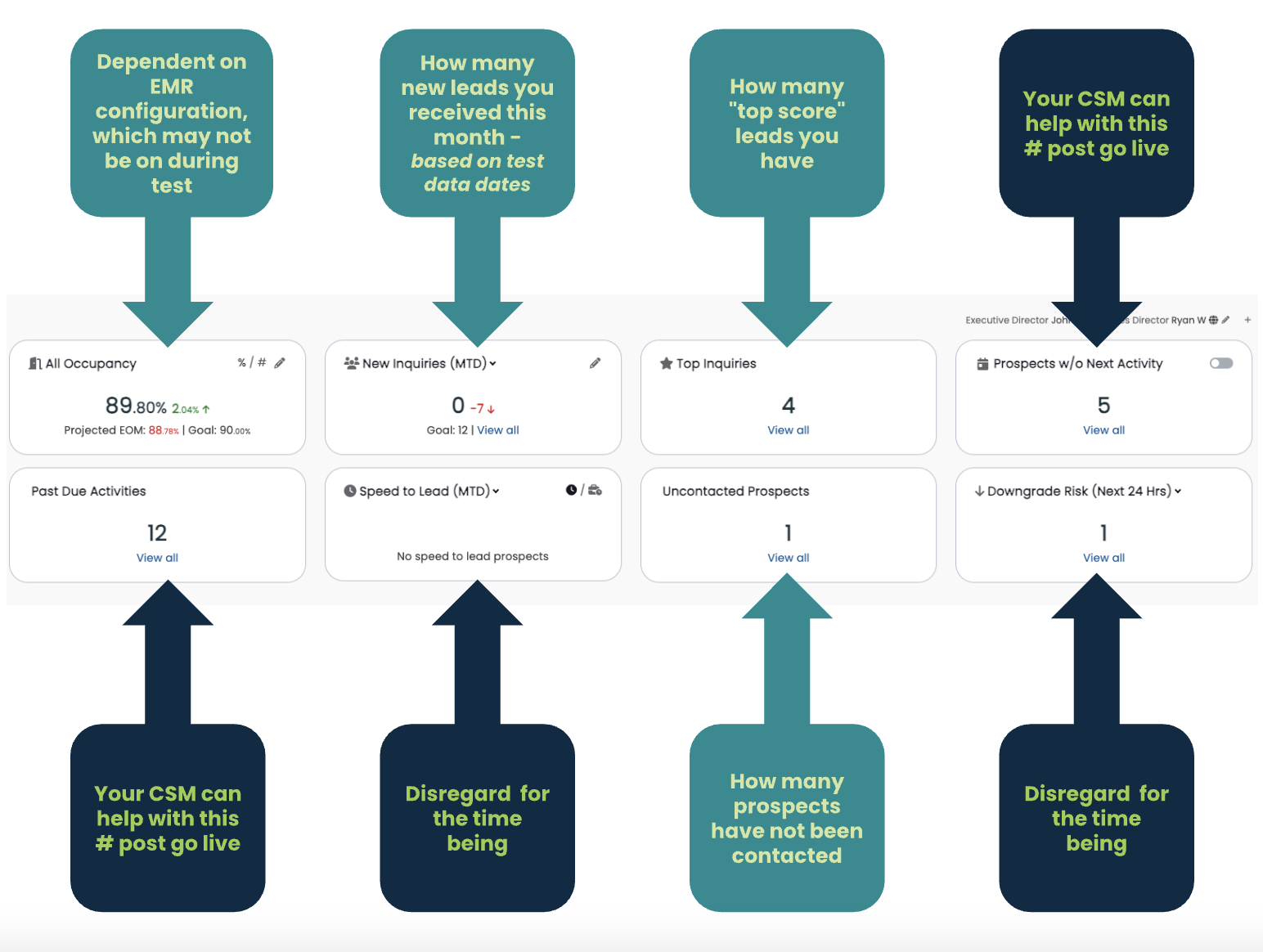
For more information regarding the Overview page
- The overview cards that are associated with dark blue boxes, won’t be relevant to you until Go Live!
Profile Comparisons
- Pick a Referrer profile in WelcomeHome and find that same profile in your legacy CRM
- Name
- Phone Numbers
- Sex/Gender
- Address
- Birthdate
- Lead source*
- Referrer Company (Organization)
- Referring Company Type (Lead Source)*
- Position/Title
- Pick a Prospect profile in WelcomeHome and that same profile in your old CRM
- Name
- Phone Numbers
- Sex/Gender
- Address
- Care Type
- Birthdate
- Marital Status
- Lead Source*
- Referrer
- Inquiry Date
- Assigned Sales Counselor*
- All relevant contacts (Influencers) exist
- Deposit information*
Activities
- Spot check a few activities to ensure that they’ve been brought over correctly!
- A good way to check is by comparing all of the activities associated with a Prospect in WelcomeHome with the activities for that same Prospect in your old CRM.
- Don’t forget to check the Notes for that activity as well!
- Scheduled activities may be higher than expected but confirm that they truly didn’t have a completion date or cancelled date in your old CRM.
- Your CSM will help you clean this up after Go Live!
Occupancy
Your integration will most likely not be on during the test data phase, but please look at the board and make sure:
- Check that the total unit count per community is correct
- Check that units, floor plans, and privacy levels are set up in a way that makes sense to you and your team
If applicable:
- Check that the occupancy percentage is correct
- Confirm Occupancy Goals