
You have the option to export a prospect's profile as a PDF to print or share, to allow others to view the WelcomeHome data without having access or an account in WelcomeHome. PDF's are compatible with almost all PCs and Macs.
1. Navigate to the Prospect tab on the left hand side of the screen. Click on the desired prospect's name to export the profile.
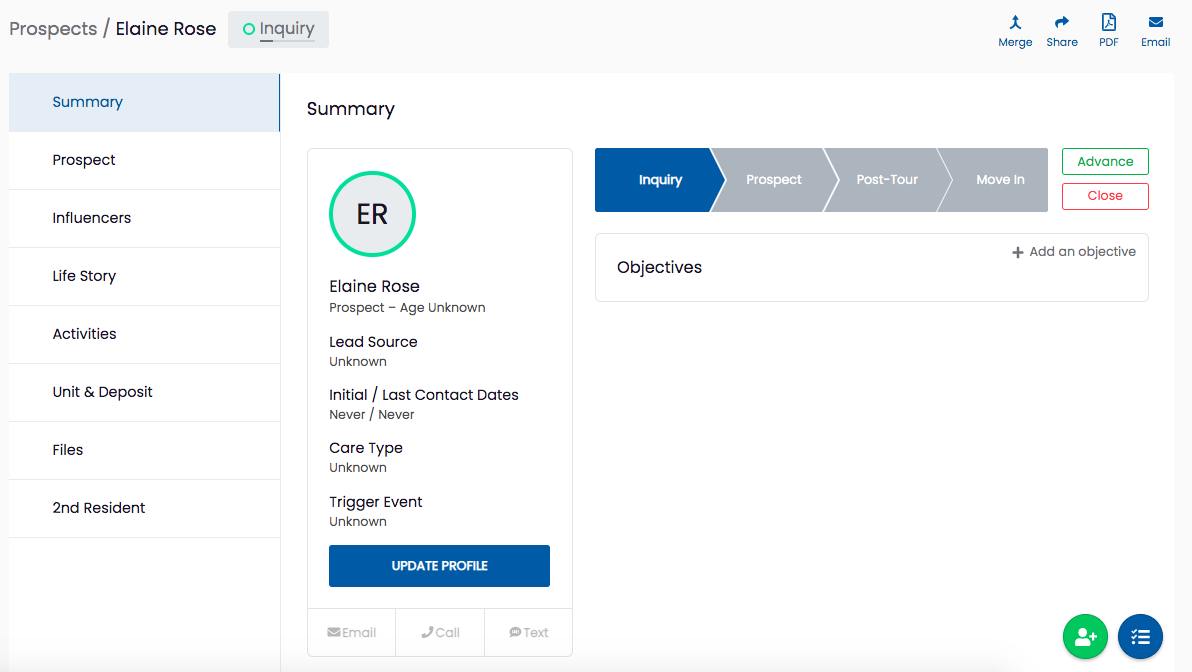
2. In the top right corner, click on the PDF icon:

3. You will be given the option to select which information to include or exclude in the exported document with a checklist:
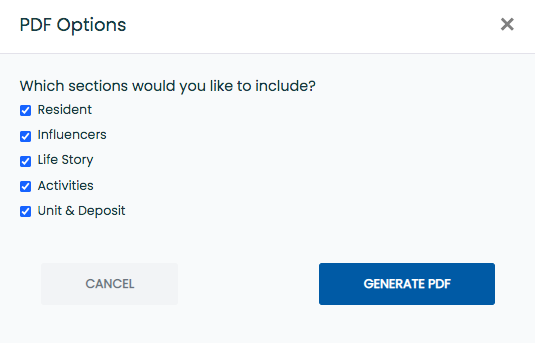
4. Click the blue generate PDF button to create the file. The file will immediately download to your computer.
NOTE: To access the file on your computer later, check your local downloads folder or your internet browser's download folder.