
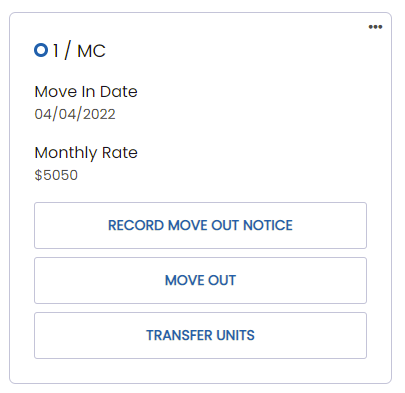
If the resident is transferring to a new unit, you will select the “Transfer Units” button under the resident’s profile.
*Note: If you have an integration with a billing software or EMR you should NOT be doing the below in WelcomeHome. Transfers will push back into WelcomeHome from your EMR.
1. When you click on the “Transfer Units” button, you’ll see the following options:
2. The required fields are "Transfer to Unit" and "Transfer Date" and "Privacy Level". Select the unit they will be transferred to and the date they will be transferred.
3. Once the required fields are updated, click "Save".
On the date you have selected for the transfer, the resident will be transferred to the new unit.