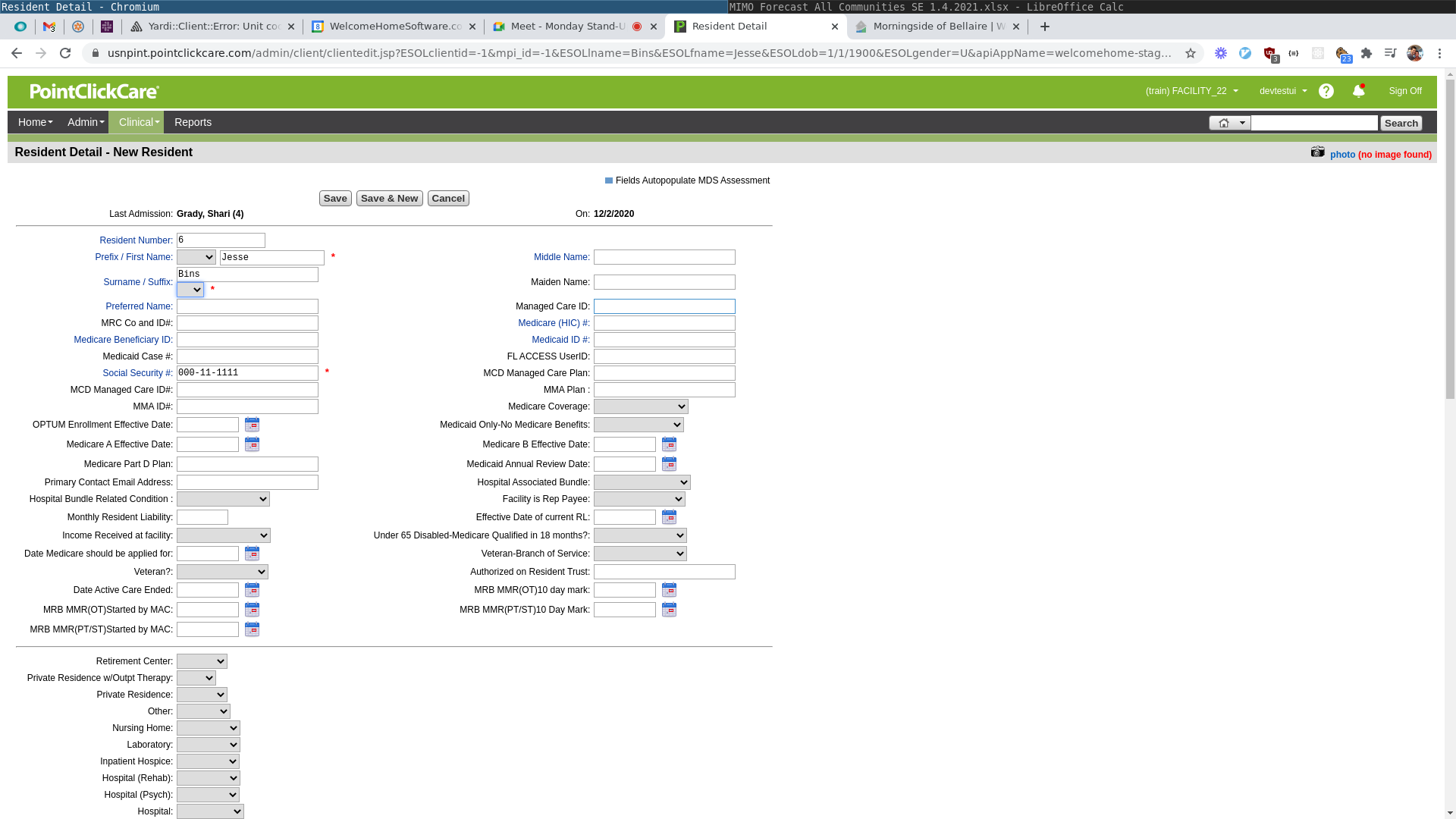
If you have recently synced a prospect from WelcomeHome into PointClickCare, here are some steps you can take to find it in PCC and make sure it's being worked correctly.
The most important thing is to accept the prospect/future resident pushed over from WelcomeHome in PCC, not to create a new one within the system. This way, your WelcomeHome and PCC leads will be linked to each other.
1. Navigate to Clinical -> Residents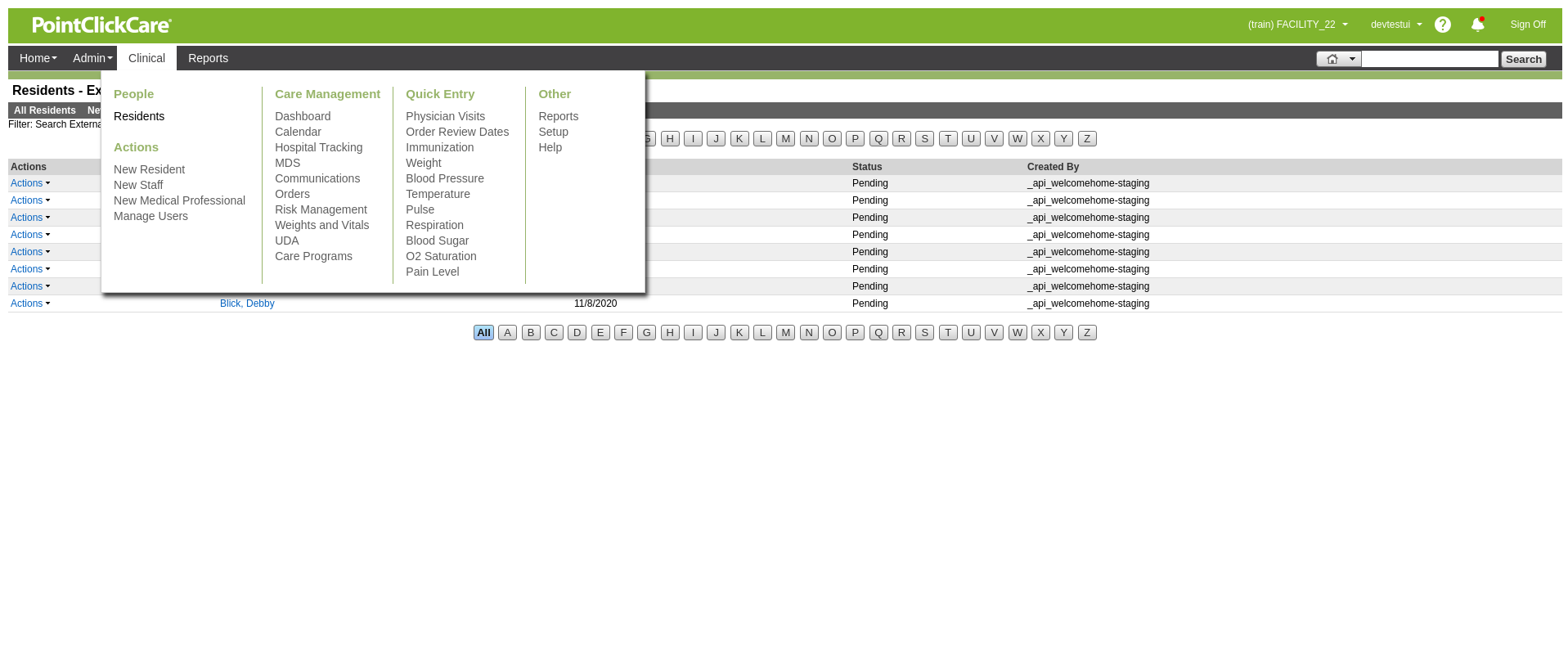
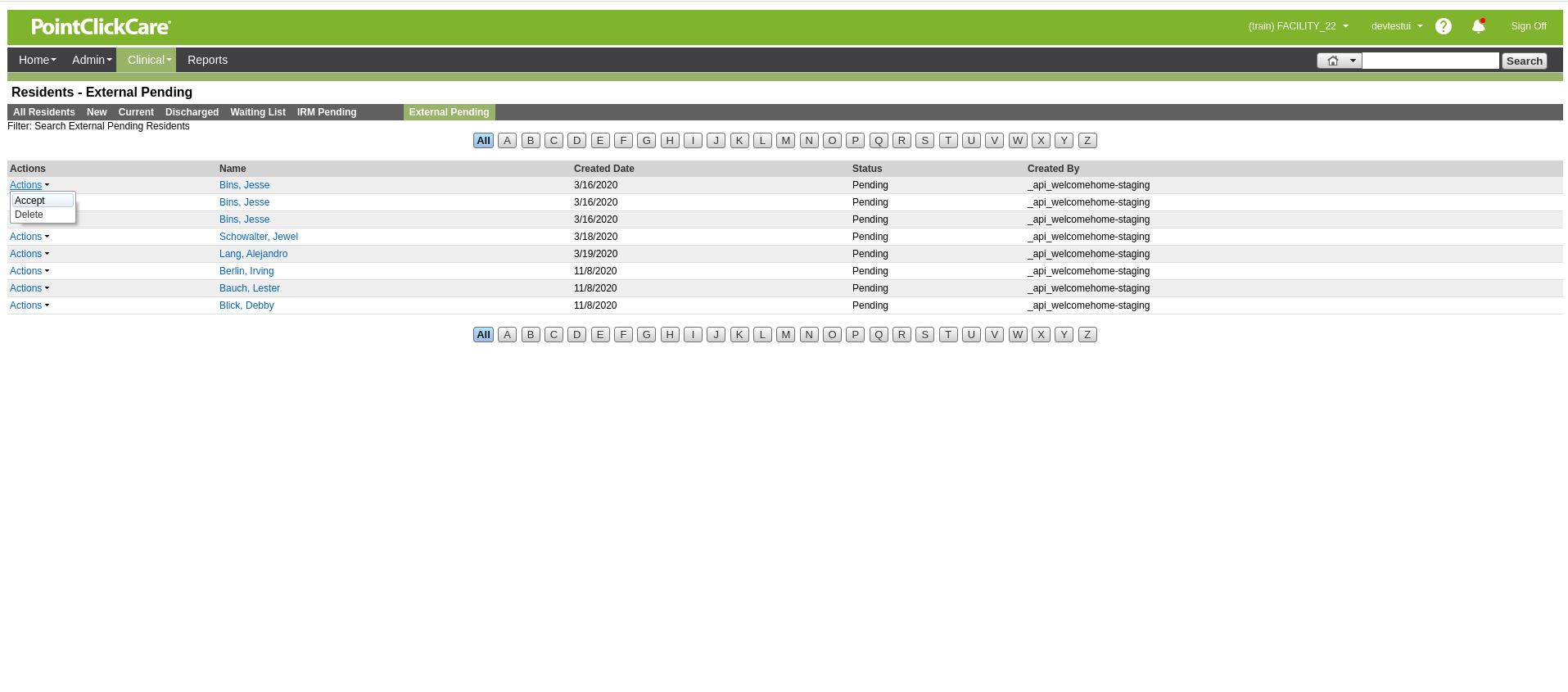
2. Click "External Pending" and then find the resident you synced over, and use the "Actions" dropdown to "Accept" the resident
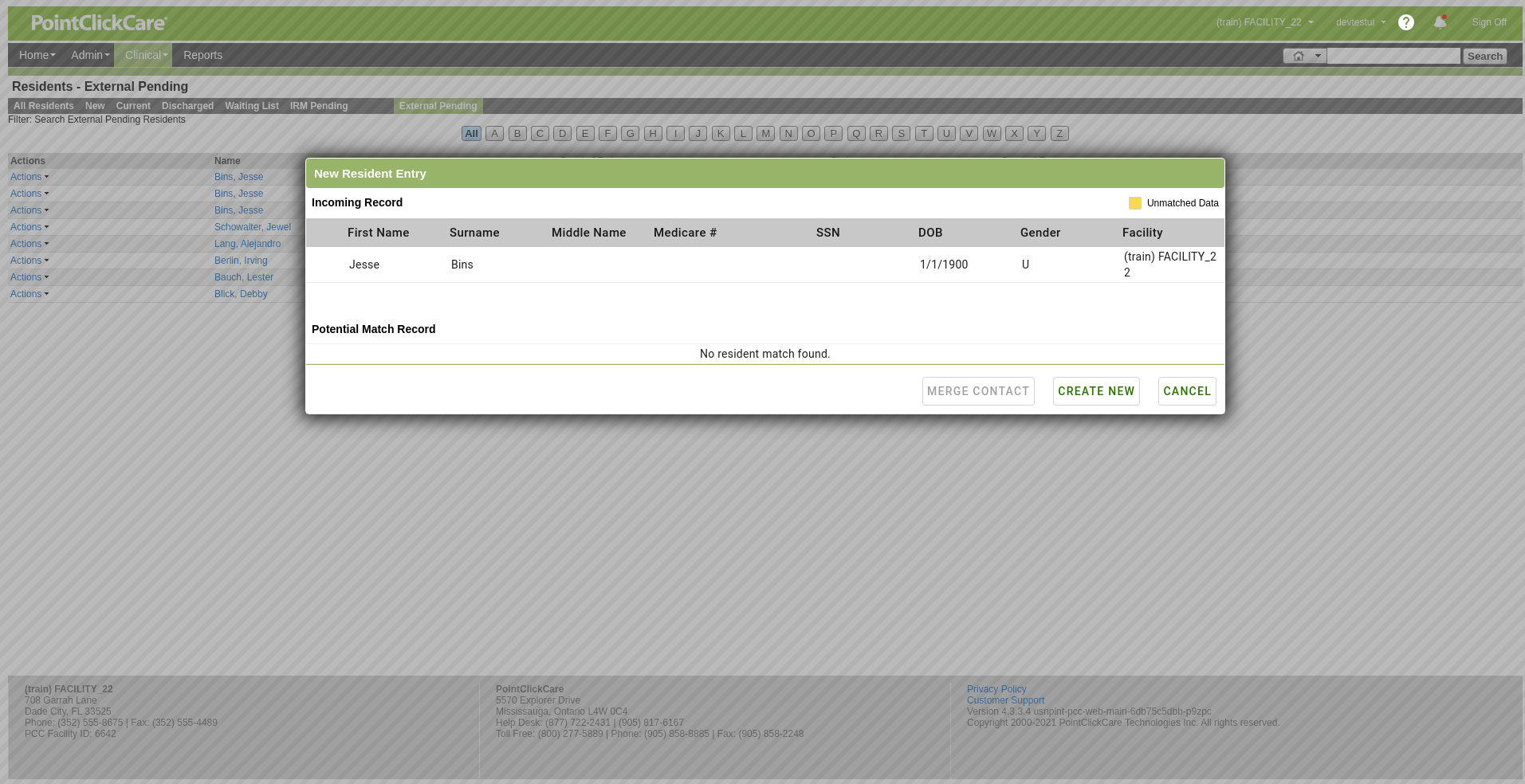
3. Click Create New
4. Fill out any other desired information and click save!